I had to downgrade to my old computer because Dell are being total dicks. The problem though, is this old computer only has 8 GB of RAM and I occasionally use all of it. Linux will happily let me run out of RAM. The system slows to a crawl, the OOM killer starts hunting, and I’m left force-quitting apps and waiting for it to return from its crawl-like state. I needed to know before the problem happened to avoid the crawl-like state.

I made an earlier version about six years ago as a Bash script packaged as a .deb file for Ubuntu. It worked, but I was never happy with it. I’ve now recoded it in Go, which gives me a single static binary with no runtime dependencies and it all just looks and behaves a lot more professionally and supports both amd64 and arm64.
How It Works
RAM Notifier polls /proc/meminfo every 5 seconds and divides your configured memory threshold into 5 equal tiers. As available RAM drops into a lower tier, it fires a desktop notification. When RAM recovers, it resets.
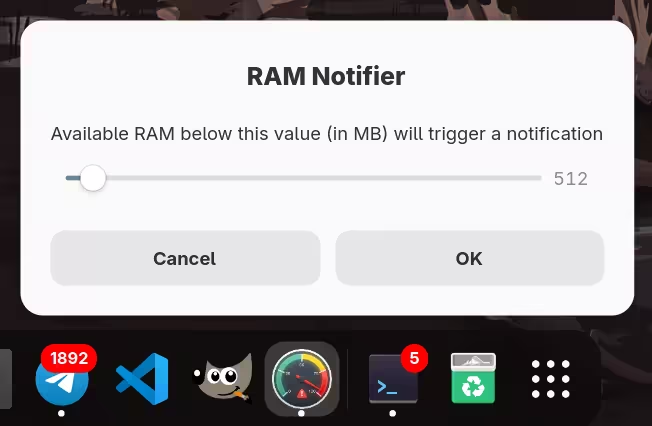
It has a graphical settings dialog found in the system menu under “RAM Notifier.” Changes take effect immediately.
Try It
Requires a systemd-based Linux desktop with a D-Bus notification daemon. Works on Ubuntu, Fedora, Debian, Arch, openSUSE, Bluefin, and more.
# Install
curl -sSL https://raw.githubusercontent.com/ryanhellyer/ramnotifier/master/install.sh | bash

# Uninstall
curl -sSL https://raw.githubusercontent.com/ryanhellyer/ramnotifier/master/install.sh | bash -s -- --uninstall
Full source at github.com/ryanhellyer/ramnotifier.